Resources Menu

File & Layout Requirements
Art Submission Guidelines
Technical Checklist (applies to all formats):
- Image resolution is 300 dpi or higher at actual size.
- Images provided are CMYK colour, NOT RGB.
- All type/text is converted to outlines (or fonts are provided along with the art).
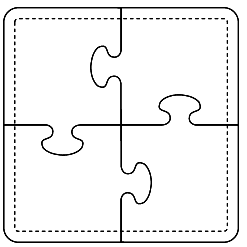
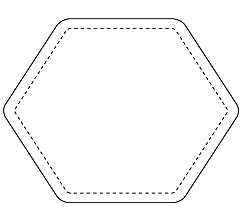
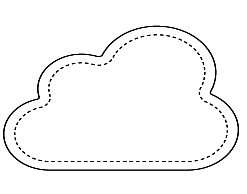
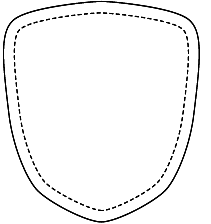
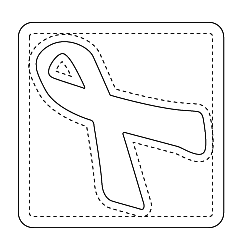
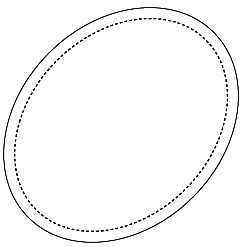
- There is at least a 1/4" bleed past the edge of the art. (any background or image that extends beyond the edge of the coaster should extend by 1/4")
- There is at least a 3/16" safe area inside the edge of the art. (no important image or text should come closer than 3/16" to the cutting edge)
- The files are named descriptively - i.e. "ABC Brewery Coaster 1 FRONT.eps" (Try to avoid generic or redundant names like "coaster" or "final art." Clearly distinguishing your filenames helps us recognize your files from someone else's!)
- Groups of files are compressed together and sent as one file in a ZIP or Stuffit archive.


We accept art for coasters in various formats from MAC and PC platforms, but have special requirements for each format. For instructions for a specific program, see below:

Adobe Illustrator (preferred)
Embed all images and convert text to outlines.
Save as Illustrator CS3 EPS.
(Yes, we are also able to open CS4 and CS5 files)

Adobe PDF
Use your graphics program to save the art as an Adobe PDF, embedding all fonts and maintaining press quality resolution images (300dpi or higher). Please make sure to include adequate bleed and safe area as described above.

Adobe Photoshop
Save as Photoshop EPS files with "preserve vector art" selected) or Save as PSD including original layers and font files with your art, or Other image formats, such as TIFF, BMP may also be accepted, if they are at sufficient DPI

Adobe inDesign
Package your entire project, including all linked images, vector art and fonts, and compress the packaged artwork folder with Stuffit or ZIP before sending.
Please also include an Adobe PDF with Press Quality settings, so that we can use it for proof comparison, and in case there is a problem working with your source files.
Download inDesign Templates (Contains .INDT files for CS3 and newer)Complementary Products
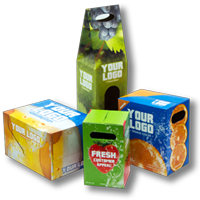
These complementary products are a great way to increase the impact of your brand or message while adding even greater value.